Frost - A Clean Obsidian theme
I’m a big fan of Obsidian. It’s like having a “second brain” that helps me keep track of my notes from work, hobbies, and everyday life. Obsidian has also been really active in improving their product. They recently released a new feature that lets you connect to different AI providers to summarize webpages or transcribe voice notes. It’s super powerful and free.
One thing that’s always been a bit of a bummer for me is that none of the themes really worked for me. I know there’s a lot of love and effort that goes into creating themes, but they just weren’t quite what I needed. So, I decided to take matters into my own hands and create my own theme. I’m excited to share with you “Frost”, a super clean theme that makes organizing at least my life a little bit more fun.
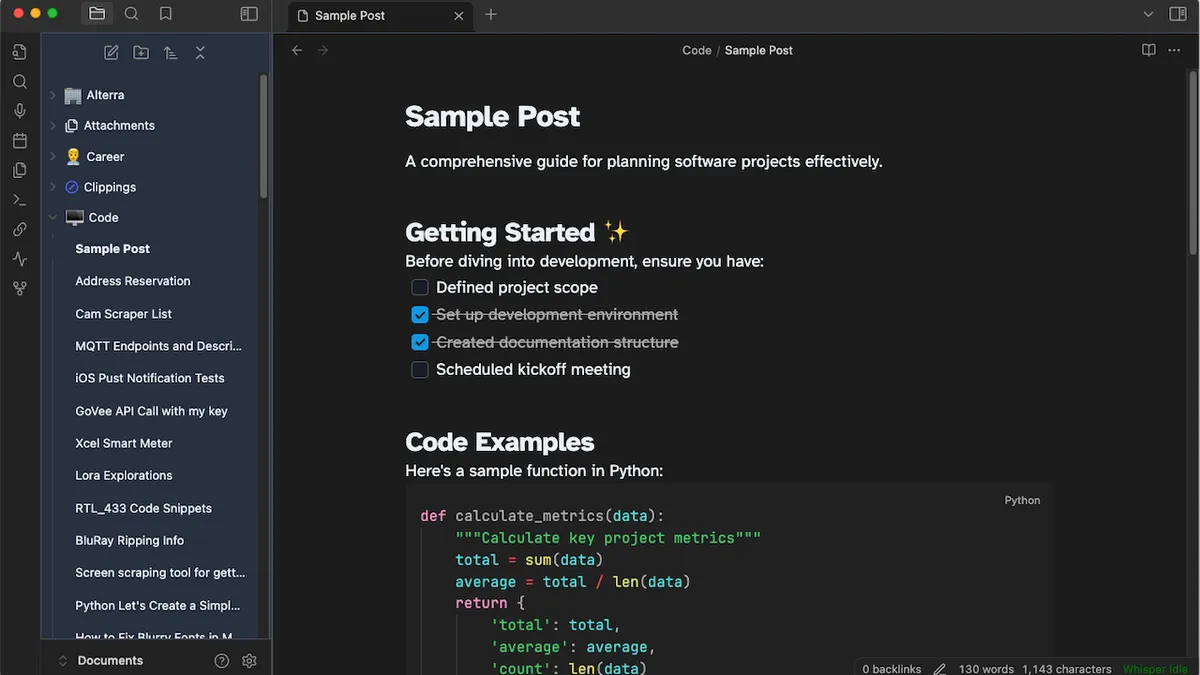
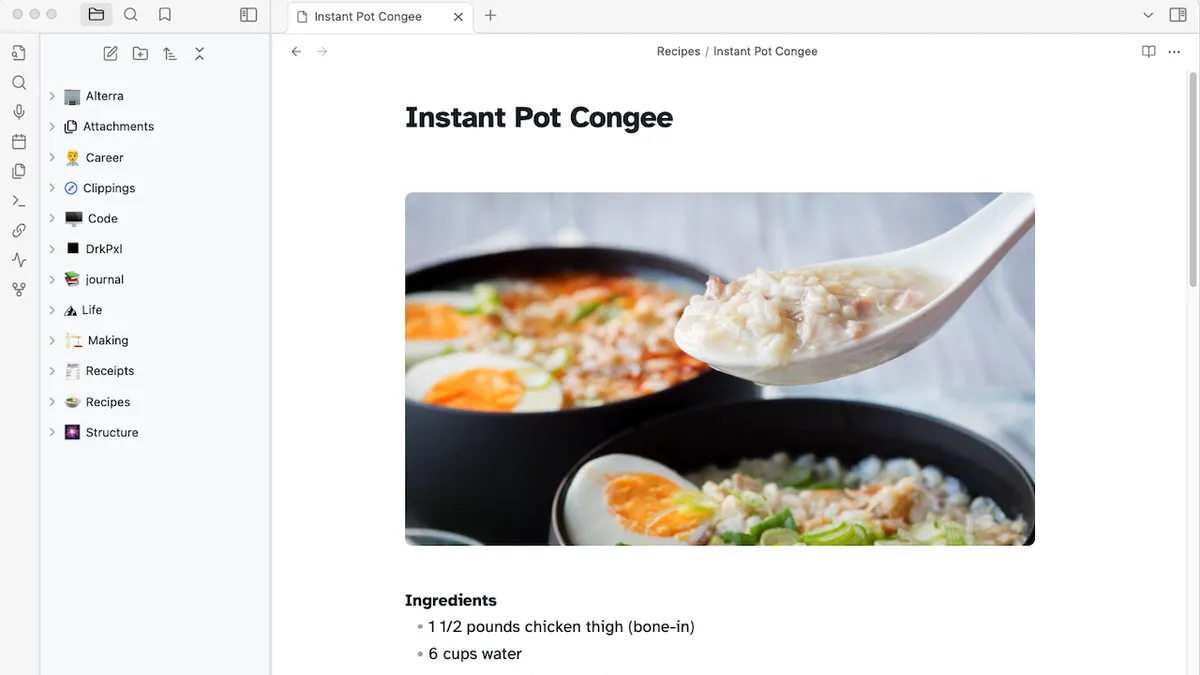
Obsidian did a great job providing a starter template and some really well written documentation. With a little help from AI I was able to get to what I wanted quite quickly. In addition to installing the theme you will need to do a few other things to get the theme to match 1x1 with my screenshots. I outline the details of that in the theme repo here: Frost: Github.
To install it just search "Frost" in Obsidian and it should be the first result!
As always if you have any questions hit me up on Blue Sky and I will do my best to answer any questions. I hope you love it as much as I do!