A Safer Home Assistant Automation for Space Heaters
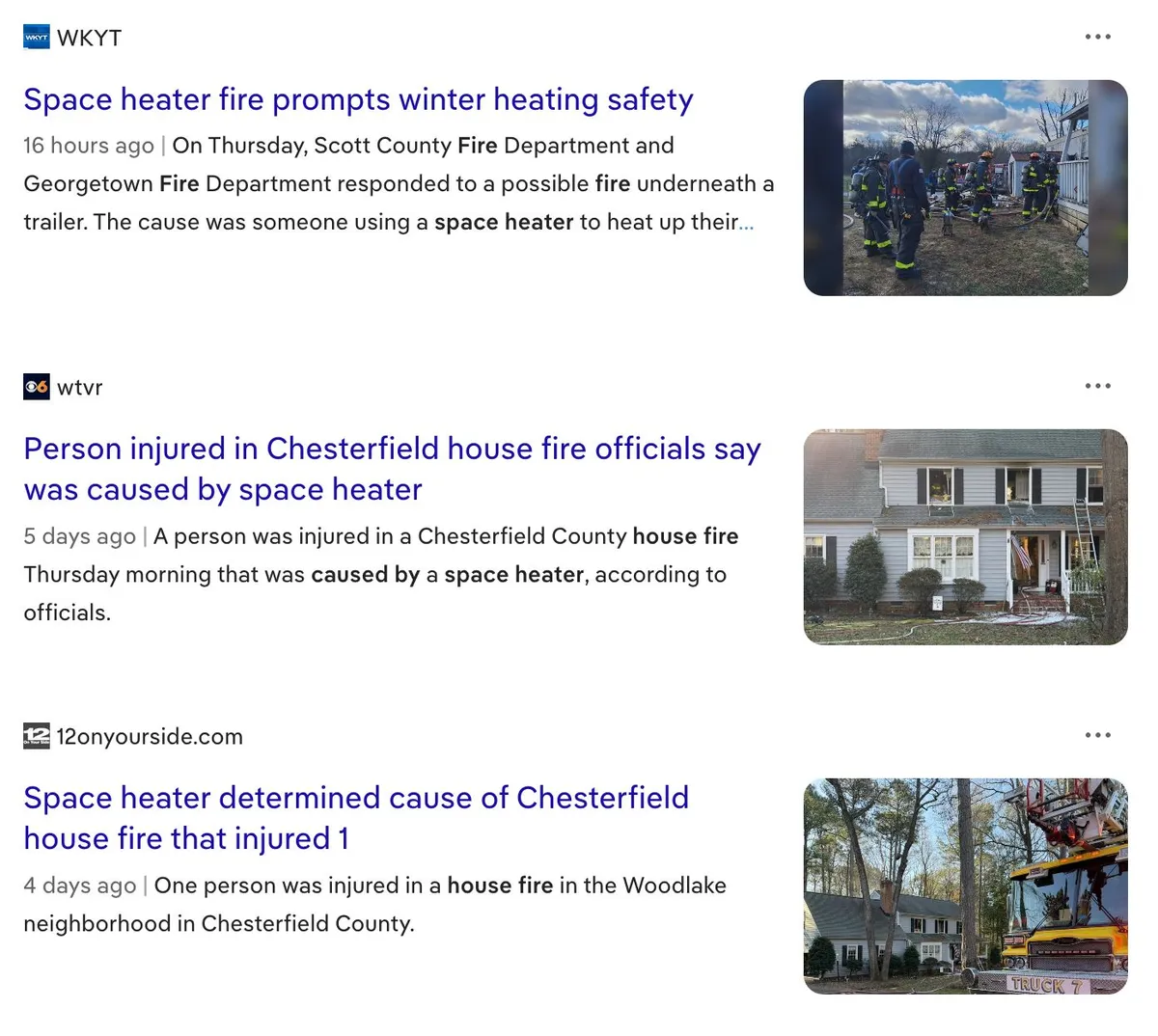
If you're using Home Assistant to control a space heater, you need to think about failure modes. Heaters left running unattended can be a fire hazard, and the "set it and forget it" nature of automation makes this especially important to get right.
I recently set up an automation to keep my garage above 45°F to keep my laser engraver within its safe operation range. Here's how I approached it with safety as a priority.
The Basic Logic
The automation uses a simple hysteresis pattern to avoid rapid cycling:
- Turn on when temperature drops below 45°F
- Turn off when temperature rises above 54°F
This 9-degree dead band means the heater isn't constantly toggling on and off as temperature fluctuates around a single setpoint and I have enough recovery buffer between 45°F and freezing to keep the laser happy.
While the heater DOES have a built in thermostat it doesn't have that thermostat at the laser table which is where I am trying to manage the temp.
Peak Hour Blocking
My electricity rates spike between 5-9pm on weekdays. The automation enforces a hard block during these hours—heater turns off at 5pm and won't turn back on until 9pm, regardless of temperature. A few hours of cold won't crash an insulated garage and garage door, and it saves money during the most expensive rate period.
Sensor Reliability
My temperature sensor is a Bluetooth device, which means it can lose connectivity due to range issues, interference, or low battery. If the sensor stops reporting and my automation doesn't account for that, the heater could run or not run indefinitely.
I added two separate checks for this:
Stale data detection Every 5 minutes, the automation checks whether the sensor has actually updated recently. A Bluetooth sensor might still show as "available" in Home Assistant even when it's not actively reporting. If the heater is on and the sensor hasn't updated in 30 minutes, the automation turns off the heater and sends a notification.
Unavailable state detection If the sensor goes fully unavailable or unknown for 30 minutes, same thing: heater off, notification sent.
Both checks are necessary because they catch different failure modes.
Recovery
When the sensor comes back online, the automation checks whether heating is still needed (and whether we're outside peak hours) before turning the heater back on. It also sends a notification so I know things are working again.
The Code
Here's the full automation package. Drop it in your packages directory or adapt it for your automations.yaml:
automation:
  # Turn on when cold (with safety checks)
  - id: garage_heater_turn_on
    alias: "Garage Heat - Turn On (Cold)"
    trigger:
      - platform: numeric_state
        entity_id: sensor.filament_storage_monitor_temperature
        below: 45
    condition:
      # Block during peak hours
      - condition: not
        conditions:
          - condition: time
            after: "17:00:00"
            before: "21:00:00"
            weekday: [mon, tue, wed, thu, fri]
      # Sensor must be available
      - condition: not
        conditions:
          - condition: state
            entity_id: sensor.filament_storage_monitor_temperature
            state: ["unavailable", "unknown"]
      # Sensor data must be fresh
      - condition: template
        value_template: >
          {{ (now() - states.sensor.filament_storage_monitor_temperature.last_updated).total_seconds() < 1800 }}
    action:
      - service: switch.turn_on
        target:
          entity_id: switch.garage_heat

  # Turn off when warm
  - id: garage_heater_turn_off_warm
    alias: "Garage Heat - Turn Off (Warm)"
    trigger:
      - platform: numeric_state
        entity_id: sensor.filament_storage_monitor_temperature
        above: 54
    condition:
      - condition: state
        entity_id: switch.garage_heat
        state: "on"
    action:
      - service: switch.turn_off
        target:
          entity_id: switch.garage_heat

  # Turn off at peak hours
  - id: garage_heater_turn_off_peak
    alias: "Garage Heat - Turn Off (Peak Hours)"
    trigger:
      - platform: time
        at: "17:00:00"
    condition:
      - condition: time
        weekday: [mon, tue, wed, thu, fri]
      - condition: state
        entity_id: switch.garage_heat
        state: "on"
    action:
      - service: switch.turn_off
        target:
          entity_id: switch.garage_heat

  # Resume after peak if still cold
  - id: garage_heater_resume_after_peak
    alias: "Garage Heat - Resume After Peak Hours"
    trigger:
      - platform: time
        at: "21:00:00"
    condition:
      - condition: time
        weekday: [mon, tue, wed, thu, fri]
      - condition: numeric_state
        entity_id: sensor.filament_storage_monitor_temperature
        below: 45
      - condition: not
        conditions:
          - condition: state
            entity_id: sensor.filament_storage_monitor_temperature
            state: ["unavailable", "unknown"]
      - condition: template
        value_template: >
          {{ (now() - states.sensor.filament_storage_monitor_temperature.last_updated).total_seconds() < 1800 }}
    action:
      - service: switch.turn_on
        target:
          entity_id: switch.garage_heat

  # Safety: stale sensor data
  - id: garage_temp_sensor_stale
    alias: "Garage Temp - Sensor Stale Data"
    trigger:
      - platform: time_pattern
        minutes: "/5"
    condition:
      - condition: state
        entity_id: switch.garage_heat
        state: "on"
      - condition: not
        conditions:
          - condition: state
            entity_id: sensor.filament_storage_monitor_temperature
            state: ["unavailable", "unknown"]
      - condition: template
        value_template: >
          {{ (now() - states.sensor.filament_storage_monitor_temperature.last_updated).total_seconds() >= 1800 }}
    action:
      - service: switch.turn_off
        target:
          entity_id: switch.garage_heat
      - service: notify.mobile_app_your_phone
        data:
          title: "🌡️ Garage Temp Alert"
          message: "Sensor hasn't updated in 30+ minutes. Heater turned OFF. Check Bluetooth connectivity."

  # Safety: sensor unavailable
  - id: garage_temp_sensor_unavailable
    alias: "Garage Temp - Sensor Unavailable"
    trigger:
      - platform: state
        entity_id: sensor.filament_storage_monitor_temperature
        to: "unavailable"
        for:
          minutes: 30
      - platform: state
        entity_id: sensor.filament_storage_monitor_temperature
        to: "unknown"
        for:
          minutes: 30
    action:
      - service: switch.turn_off
        target:
          entity_id: switch.garage_heat
      - service: notify.mobile_app_your_phone
        data:
          title: "⚠️ Garage Temp Alert"
          message: "Sensor unavailable for 30 minutes. Heater turned OFF."

  # Recovery: sensor back online
  - id: garage_temp_sensor_recovered
    alias: "Garage Temp - Sensor Recovered"
    trigger:
      - platform: state
        entity_id: sensor.filament_storage_monitor_temperature
        from: ["unavailable", "unknown"]
    condition:
      - condition: not
        conditions:
          - condition: time
            after: "17:00:00"
            before: "21:00:00"
            weekday: [mon, tue, wed, thu, fri]
      - condition: numeric_state
        entity_id: sensor.filament_storage_monitor_temperature
        below: 45
    action:
      - service: switch.turn_on
        target:
          entity_id: switch.garage_heat
      - service: notify.mobile_app_your_phone
        data:
          title: "✅ Garage Temp Sensor Recovered"
          message: "Sensor back online. Heater turned ON."
Adapt It For Your Setup
You'll need to change:
sensor.filament_storage_monitor_temperature→ your temperature sensorswitch.garage_heat→ your heater switchnotify.mobile_app_your_phone→ your notification service- Temperature thresholds and peak hours to match your needs
The principle applies to any automation controlling something that shouldn't run unattended: always ask "what happens if my sensor fails?" and build in checks accordingly.
As always if you have any questions hit me up on Blue Sky and I will do my best to answer any questions.